Turn documents into video with Google Vids: effortless visual communication
Learn how to turn meeting minutes, PDFs and Word documents into AI-generated videos in Google Vids. Communicate your projects better to the C-level and your team
Do you have trouble getting the vision of what you're thinking across so other people understand it? You explain it, but the other person understands it differently.
This is one of the biggest communication challenges in projects. Not everyone absorbs information the same way. Some people are more analytical and text-oriented, but part of the audience needs something visual to understand. In our projects, the result is misalignment, rework and extra meetings to explain what's already been explained.
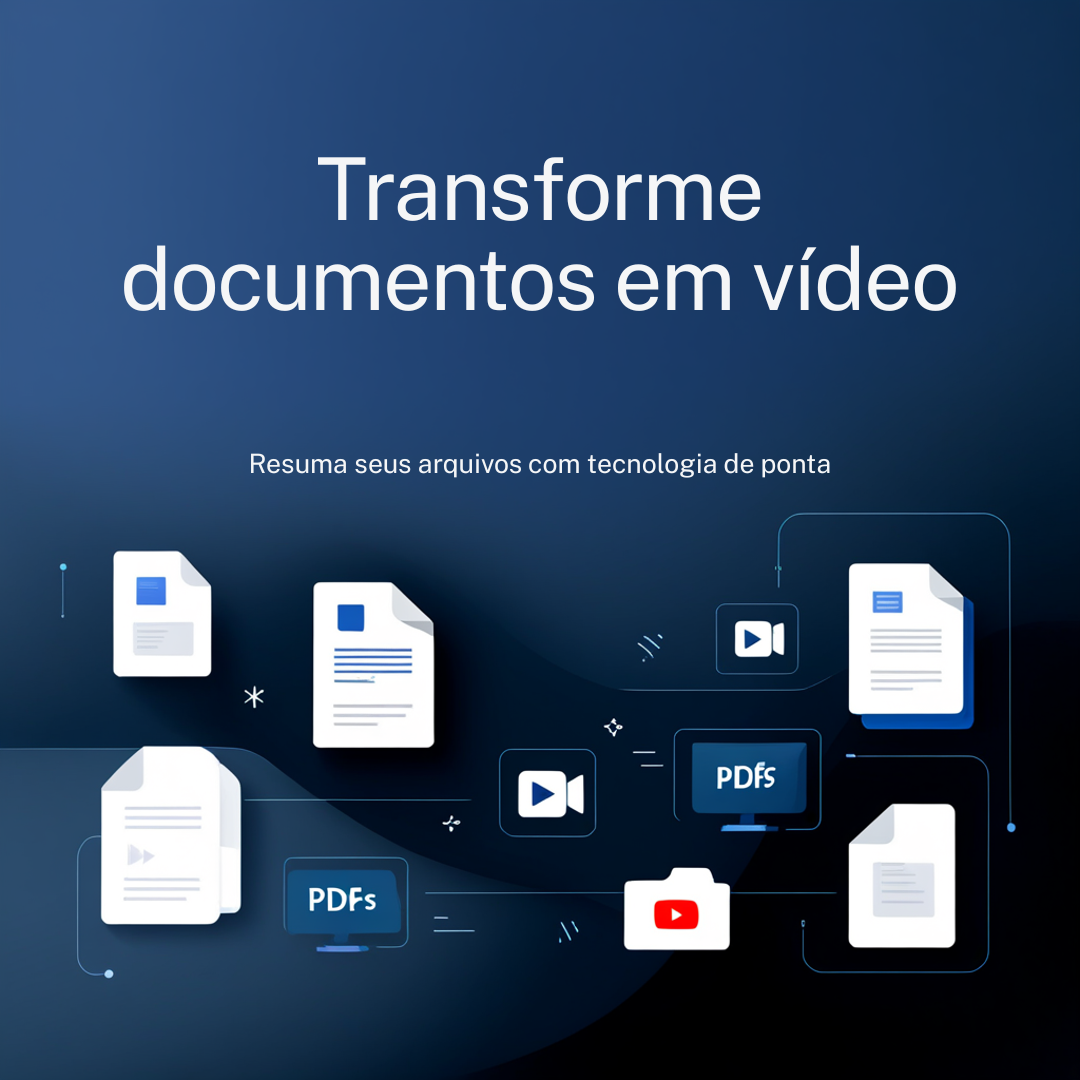
Google launched a feature in Google Vids that helps solve exactly this: turning Google Docs documents, PDFs and Word files into AI-generated video summaries.
What this feature is and what it does
With this feature, you upload any text document to Google Vids and the AI automatically generates a video with a script, narration and visuals. No editing, no technical skill, no relying on design or communications.
In practice, you can take meeting minutes, a project status report or dense technical documentation and turn it into a focused video, ready to share with the team or present to leadership.
This makes a huge difference for anyone leading projects who needs to communicate a vision clearly to different audiences, from the operational team to the C-level.
How to use it in practice
- Go to Google Vids at vids.new
- Click "Help me create"
- Upload your file: Google Docs, PDF or Word (.docx)
- The AI analyzes the content, generates the script and automatically puts together the video draft
- Review it, adjust whatever you want and export as MP4
No additional setup is needed. The feature is available directly to the end user.

Where this makes a difference in your projects
This feature has real value in concrete day-to-day project management situations. Here are a few:
Meeting minutes for leadership
You ran a status report meeting with a lot of decisions made. Instead of sending a 3-page document leadership won't read, you turn the minutes into a 2-minute video with the main points. The message gets through, it gets absorbed, and you avoid the classic "I wasn't informed."
Onboarding new members
Have a project scope and context document? Turn it into a video and use it to onboard anyone joining the team. It saves your time and the new member's time.
Communicating changes and risks
Need to communicate a scope change or a mapped risk to project stakeholders who didn't attend the meetings? A short, direct video communicates better than a long email.
Process training
Have a manual, a policy or a documented flow in PDF? Convert it to video and use it in training. Easier to consume, easier to remember.
Availability
The feature is already available on the following Google Workspace editions:
- Business: Starter, Standard and Plus
Gradual rollout starting September 5, 2026.
Conclusion
Communicating well is one of the most valuable skills for anyone leading projects. There's no point having the best information documented if it doesn't reach whoever needs to make decisions or take action, clearly.
This Google Vids feature doesn't replace communication skills, it removes a huge technical barrier for anyone who wants to communicate better visually. With just a few clicks, you turn documents that would be forgotten into content people actually consume.
Worth testing right now. Grab your project's most important meeting minutes and give it a try.
If you want to learn more about how to use Google Vids in project management, check out this article here.
Share it with someone on your team who still sends 10-page documents to leadership. 😄
Take care! Leandro | PMP | Project and Portfolio Manager