Gemini Now Exports Your Apps Straight to Google Sites
Gemini now exports Canvas-built apps straight to Google Sites in one click. See how to publish and build a toolkit for your team.
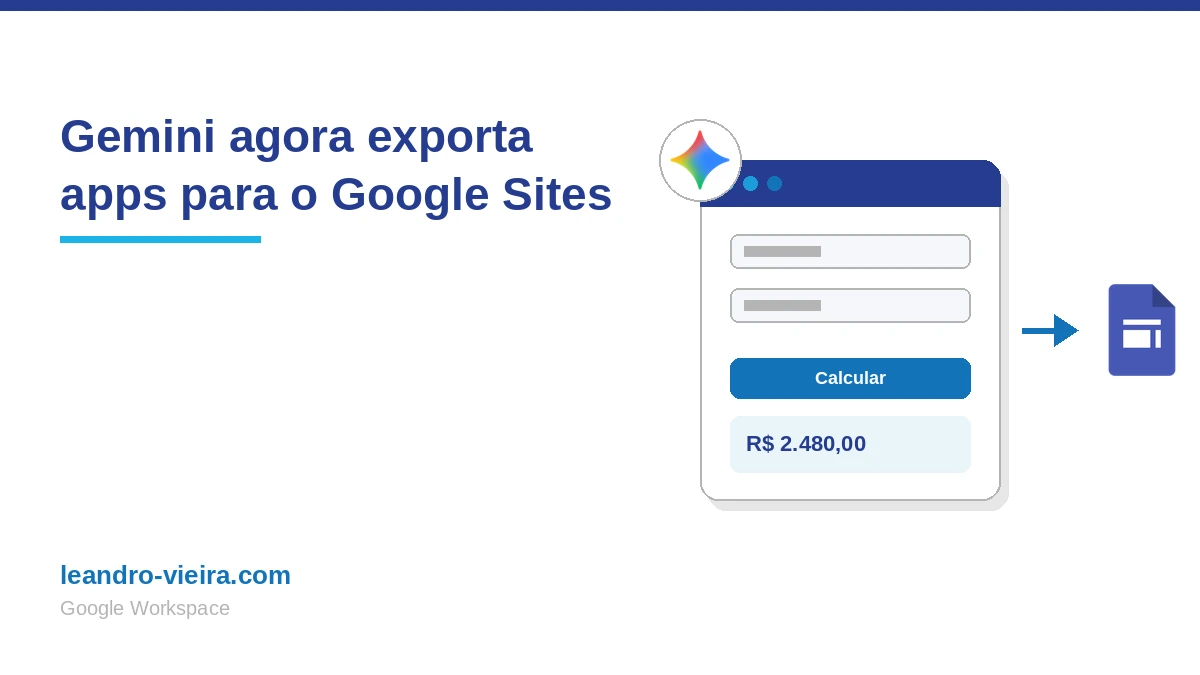
Ever built a calculator, a simulator or a quick tool in Gemini and then got stuck trying to publish it for your team to use? Copying HTML code, building a site from scratch, manually embedding the content... the process took work and shut out anyone without technical know-how. Now Google has solved it: you can export any app created in Gemini straight to Google Sites, in one click.
How exporting from Gemini to Google Sites works
Here's the flow:
- Go to gemini.google.com and click + and then More tools.
- Choose Canvas and describe the app you want (e.g., "create a pricing calculator for my company's services, with fields for cost, margin and final price").
- With the app ready in Canvas, click Export and choose Google Sites.
- The app automatically opens as a new, private draft in Sites, already interactive and ready to edit.
- Click Publish, set the address and share it with whoever needs it.
Done. Whoever gets the link uses the app right in the browser, without needing to copy or build anything else.
What changed compared to the manual process
Until recently, turning a Gemini creation into a published site required a longer path: generate the code in Canvas, copy the content, create a new site, paste the code into an embed block, adjust the size and only then publish. That's exactly the process I showed in a video on Minuto Workspace, turning a PDF résumé into an interactive portfolio published on Sites.
The logic behind it is still the same, Gemini generates the app and Sites hosts it, but the Export > Google Sites button eliminates the copy-and-paste step. What used to take several manual steps is now solved with one click.
Build a toolkit for your team
Since the exported app becomes a regular Google Sites site, you can keep editing it after publishing, including adding more content and more apps to the same address. That opens up a practical possibility: using a single site as a small team toolkit.
A direct example: if you sell services, you can create a pricing calculator in Gemini (which calculates the cost, margin and final price of a quote) and, on the same site, add a financing simulator to support negotiations with customers. Both apps live together at a single address, easy to update and to share.
Who can use it and how to control access
The export feature is available to anyone who already has access to Gemini, both on Google Workspace accounts and on personal accounts and Workspace Individual subscribers. There's no new control in the Admin Console: the feature follows the same permissions your organization already applies to Google Sites and Google Drive. In practice, that means you control who sees the site the same way you already control any other site created in Sites, for example, by restricting access to only people in your organization.
The practical benefit
You go from an idea tested in Gemini to a published, shareable tool in minutes, without depending on technical knowledge or outside help. If you already use Canvas to create small apps, it's worth testing this export today and seeing what you can put together as a toolkit for your team.
Take care! Leandro Vieira