Project timeline template
See how to use a ready-made project timeline template (Gantt chart) in Google Sheets to present your project professionally.
Share
WhatsApp
Use templates to show your work...
If you need to present an activity timeline for your new project, Sheets has several ready-made templates you can use. Here's how:
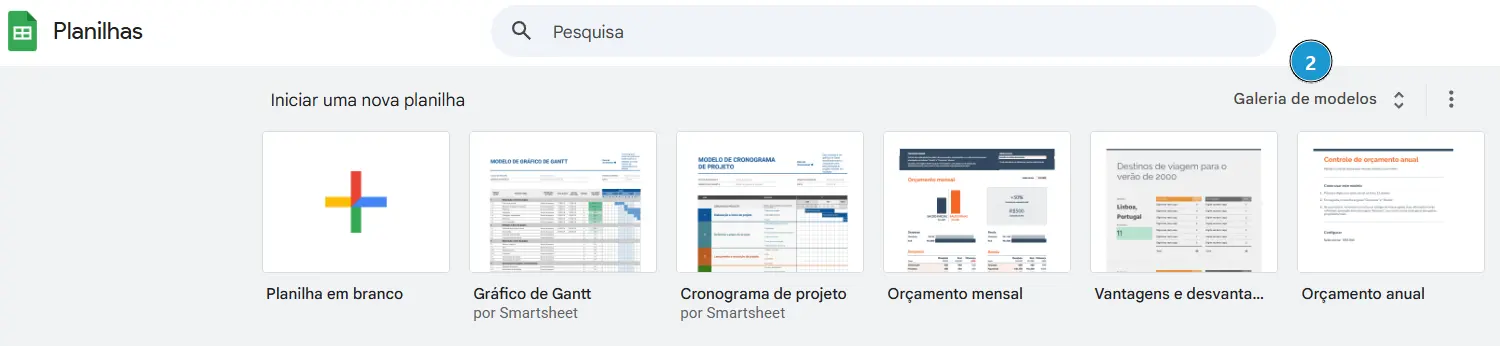
- Go to sheets.google.com to create a new spreadsheet.
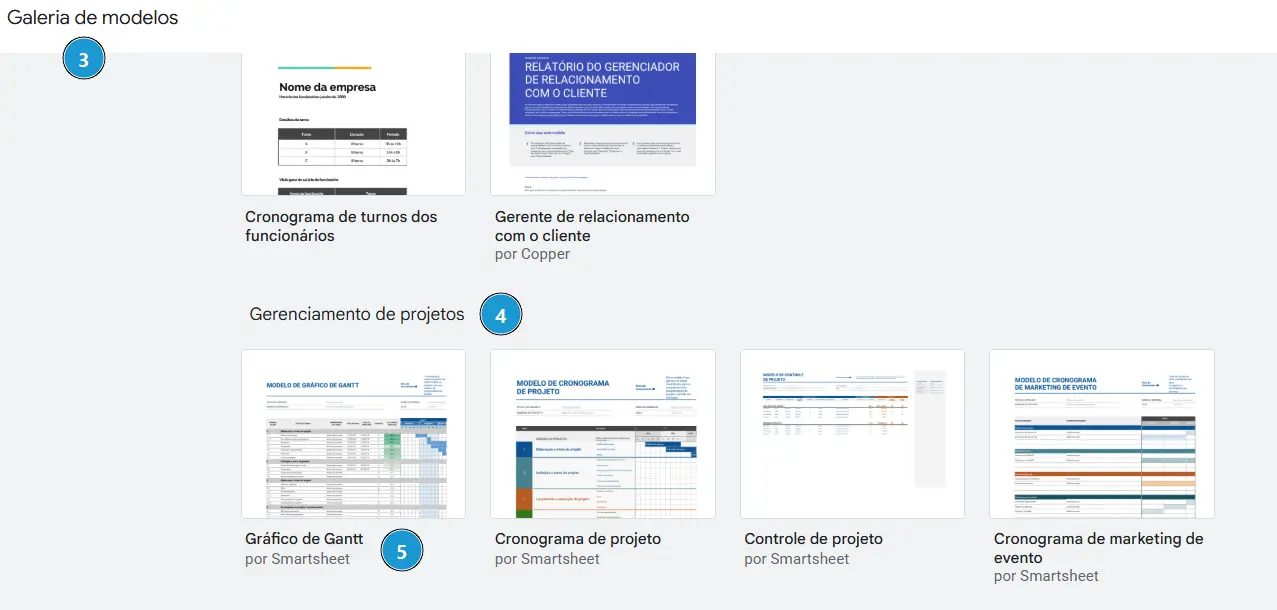
- Click Template Gallery.
- Make sure you're in the template gallery.
- Find Project Management.
- Click Gantt Chart.
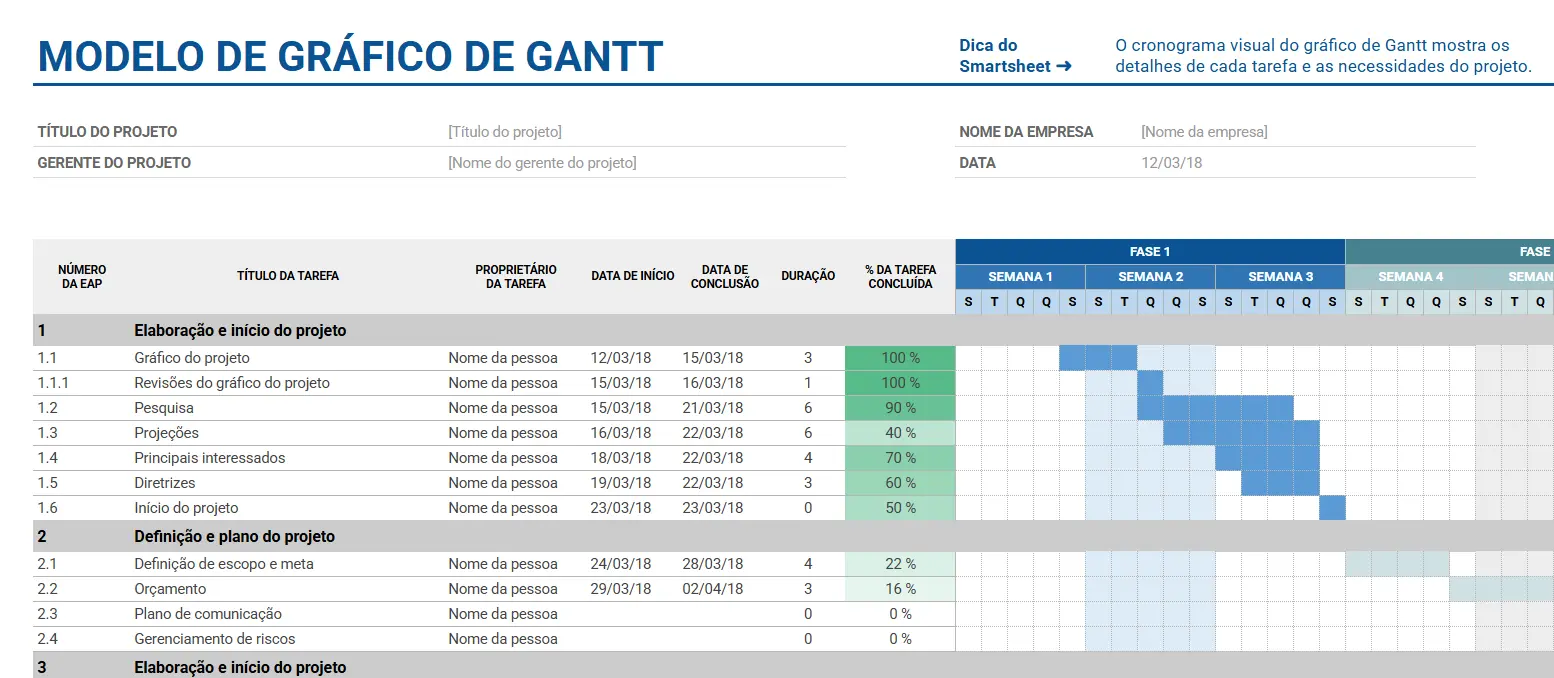
Now enter your project's information and present it professionally.
Bonus: Start with the phases
As a good practice in project timeline management, start by defining the major phases, and from there drill down into the activities that get you to the goal.
To learn how to encourage people to collaborate on the timeline's activities, click here and check out that tip.
Take care,
Share
WhatsApp